
3.2 System Access |
The Velos Implementation Team will provide the initial access to the System Admin who then will create and manage user accounts. For more information on how to add users to Velos eResearch see the Users section.
|
Note:
|
This section is not applicable to users with Single Sign On (SSO) access to eResearch.
|
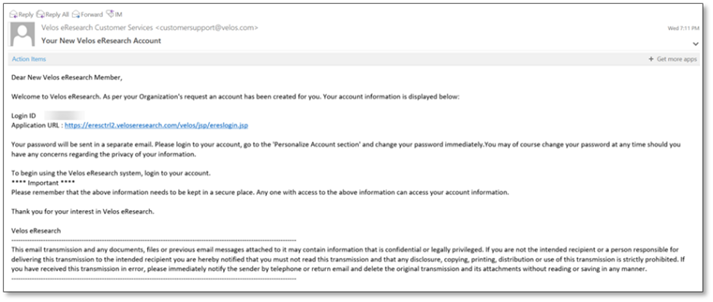
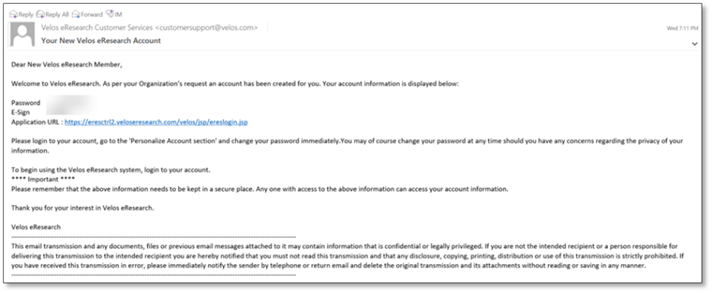
After a user account has been created, users will receive two welcome emails.
The first email contains the user’s Username (Login ID) and Application URL.
The second email contains the user’s Password, e-Signature, and Application URL.
|
Note:
|
A user’s e-Signature is a unique 4 to 8-digit code that is used to save pages throughout Velos eResearch Enterprise and Velos eResearch eXpress.
|
|
|