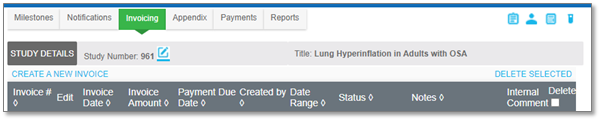
10.3.3 Manage Invoices |
Invoices can be created based on how many milestones have been achieved for a study, and how much is to be invoiced. Achieved milestones can only be invoiced if the milestone rules have payment types of 'Receivable" or "Invoiceable”. Auditable comments can be added at the study level of the invoices tab using the “Quick Notes” tool, and for individual invoices using the “Internal Comment” tool. See the Add and Review Invoice Internal Comments section for more information on adding and reviewing invoice comments. After invoices are generated, they can be edited, including removing individual line items.
|
Note:
|
Any holdback amounts specified in an achieved milestone will be listed as a separate invoiceable line item when generating an invoice. Holdbacks are a portion of the payment that is held back and not typically paid out until certain stipulations are met.
|
To navigate to the Invoice page:
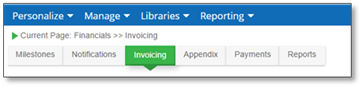
1. From the Financial Open Milestone page, select the Invoicing tab.
The Invoicing page displays: