11.3.2.1 Revise Data
Depending on your specific processes, you may be required to both monitor data integrity and make the necessary corrections. In Velos eResearch Enterprise, the Dashboard tool allows you to do both, most notably, making virtually any data change necessary to the original form entry in an efficient manner. Data revision from the Dashboard tool can only be done in the Response View. For more information about how to access the response view, see Response View.
To revise data:
1. Navigate to the response view of any form response, adverse event, or patient study entry by clicking Edit button.
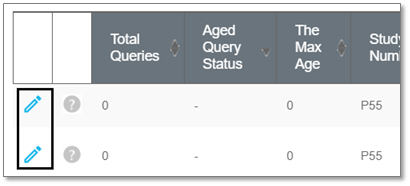
The response view displays. The entry details as they were entered originally display on the left side of the response view page.
2. Revise any data entry field as required.
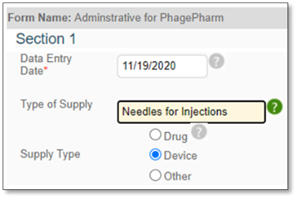
3. Enter your e-Signature and click Submit to confirm.

The data revision is saved and the corrected entry is now displayed: