
6.5.1 Search Users |
From the Users tab, permissioned users can Search for Users.
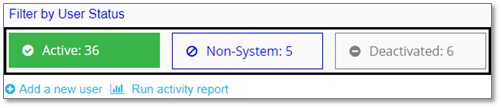
1. Users should first filter by User Status. Active is the Default User Status Filter.
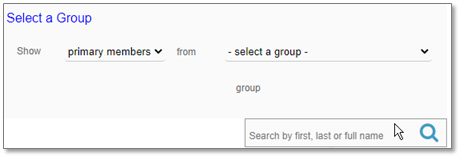
2. Then users can search by entering first, last, or full name into the search field and then click the magnifying lens or press enter.
|
Note:
|
If a user is not found using the Active filter, search again using either the Non-System or Deactivated Filters. The Search function does not work across all three filter options.
|
|
|