
6.6.3 Delete Links |
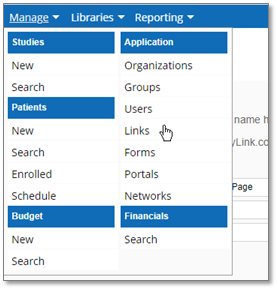
1. Navigate to the Account Links page by selecting Manage in the navigation menu and Links under the “Application” heading.
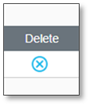
2. Click the Delete button in the Delete column next to the link you would like to delete
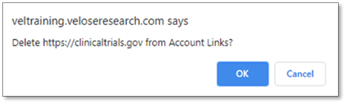
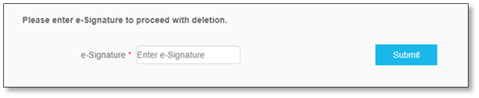
3. After clicking OK in the pop-up, to confirm the deletion, enter your e-Signature in the field on the new page that opens, and click Submit to confirm.
After clicking Submit, the link is permanently removed from the system.
|
|