
6.6.2 Modify Quick Links |
To modify existing links:
1. Navigate to the Account Links page by clicking the Manage menu in the upper-left hand corner of the screen and selecting Links under the “Application” heading.
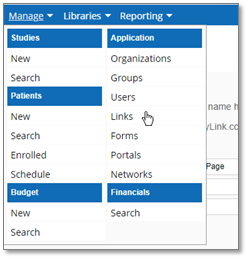
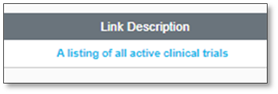
2. Click the link within the Link Description column of the entry that you would like to modify.
The Enter Link Details page displays:
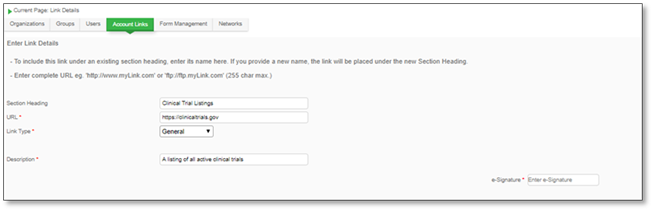
3. Update the required information, enter your e-Signature and click Submit to confirm.

|
|