
9.6.4 Screening/Enrollment |
This section will explain the Screening and Enrollment features within the Velos eResearch system and will begin from the Protocols tab. Screening determines the eligibility of a patient for a study. If a patient is eligible, they may be enrolled in that study, or more than one if appropriate.
To manage patient screening/enrollment:
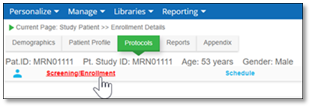
1. From the Protocols tab, click Screening/Enrollment.
The Study Patient Enrollment Details tab displays:
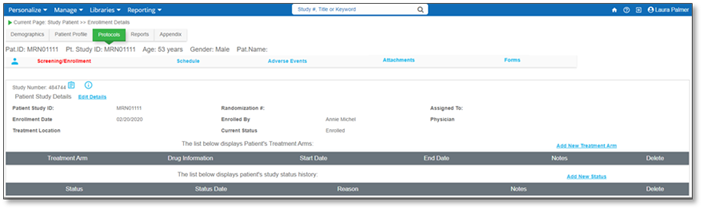
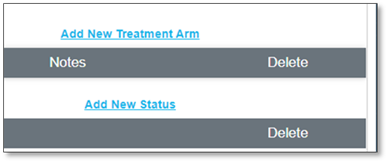
Here permissioned users can Add New Treatment Arm or Add New Status for the selected patient.
|
Note:
|
The Add New Treatment Arm provides a Treatment Arm lookup that will search Treatment Arms associated to studies via the Study Setup tab.
|